Local AI on your own computer – what kind of PC or Mac do you need in 2026?

Buyer’s guide
Running an AI model on your own computer no longer requires a server room. A typical modern laptop can handle small language models, and a desktop with 16 GB of video memory already copes with many useful text and image tasks. If your goal is high-quality video generation, the picture changes. At that point the machine costs as much as a fairly decent used car – though a car will not usually draw its own advertisements.
The real question is not “what is the best AI computer?” but “which model do you want to run, how often, and at what speed?” Only then should you choose the hardware. This guide covers text, programming, private documents, image generation and video. The prices are indicative November 2026 budgets for a buyer in Finland, not guarantees tied to any one promotion.
Editor’s note
Updated 10 November 2026. This is an editorial hardware and budget guide, not a hands-on benchmark. The comparison draws on manufacturer data, public price and documentation sources, and indicative memory estimates. We have not tested the configurations named here with a uniform set of measurements.
The short answer: four classes of machine
The ranges are indicative. Quantization, context length, concurrent requests, software and the operating system all change how much memory you need. The actual Finnish price of a graphics card can also swing by hundreds or thousands of euros.
| Budget | Example build | What it is enough for |
|---|---|---|
| €0–700 in extra spending | Your existing 16–32 GB RAM machine, possibly without a dedicated GPU | 3–8B text models, transcription and experimentation; often slow on a CPU |
| €1,100–1,900 | Desktop, 32 GB RAM, 16 GB VRAM (e.g. RTX 5060 Ti 16 GB) | 7–14B chat and coding models, some image models, light ComfyUI work |
| €2,000–3,400 | 64 GB RAM, 16–24 GB of GPU memory, 2 TB SSD | Heavier image generation, versatile local work, 20–32B models with suitable settings |
| €5,500–9,000+ | 32 GB VRAM in the RTX 5090 class, or a powerful workstation with plenty of memory | 30B-class LLMs comfortably, heavier image and video experiments; not every video model will still fit |
1. Three things worth paying attention to
Video memory, or VRAM
Video memory is often the main bottleneck for local AI. The weights of a large language model, plus the memory it needs while running, have to fit on the GPU if you want a quick answer. If part of the model spills into ordinary RAM or is loaded from disk, it can still work, but much more slowly. For example, an 8-billion-parameter 4-bit model often uses about 5–7 GB of memory with a short context; a 14B model about 10–12 GB; the 30–32B class about 20–24+ GB. These are not universal minimum requirements.
System memory, SSD and processor
In a new Windows or Linux workstation I would recommend at least 32 GB of RAM, and preferably 64 GB if you use ComfyUI, many programs at once or video pipelines. A fast NVMe drive helps, because model files easily take tens or hundreds of gigabytes; 1 TB is a lower bound and 2 TB is more comfortable. A modern mid-range 6–12-core processor is usually enough: in most inference tasks, GPU memory matters more than an expensive flagship CPU.
Apple Silicon unified memory is a different matter
On a Mac, the CPU and GPU share the same unified memory. That makes it possible to run some larger text models without a separate 24 or 32 GB graphics card. The full advertised memory is not, however, free for the model, and a Mac with a large memory figure does not automatically match the CUDA performance of an NVIDIA card. Support for ComfyUI and video models in particular should be checked model by model.
2. What can you do with different amounts of memory?
4-bit, or Q4, quantization cuts memory use at the expense of precision. A long context, image inputs and several concurrent users all raise the memory need. The size of the model file on disk is therefore not enough, on its own, as a buying criterion.
| Memory in use | Text and code | Images and video |
|---|---|---|
| 8 GB VRAM | Small 3–8B models, ordinary chat | Light image generation with limited settings; video mainly as experiments |
| 12 GB VRAM | 8B comfortably, 14B tightly depending on the Q4 model | Several image pipelines; some video models with offloading |
| 16 GB VRAM | 14B comfortably, some 20B models | A solid base for hobby images; ComfyUI video with limitations |
| 24 GB VRAM | 20–32B quantized and with short contexts | A good local image studio; short clips with suitable models |
| 32 GB VRAM | 30–32B with more headroom and more context | More serious video and image experiments; no guarantee of running the heaviest models |
| 48–96+ GB VRAM / large unified memory | The 70B class, depending on the model | Large production pipelines and research; a high price |
3. Five real use cases – and a suitable machine for each
A. Private chat, writing help and household documents
If you want to summarize your own texts, draft emails, chat in your own language or examine local PDFs without sending them to the cloud, you usually only need a small or mid-size language model. Models in the 7–14B class suit many everyday tasks. A computer you already have, with 16–32 GB of RAM, can be a good trial machine, and a desktop with 16 GB of VRAM generally makes the experience more comfortable. Note that running locally does not automatically make the software secure: plug-ins, telemetry and the server’s network settings still need to be checked.
B. Programming and searching your own material
A local coding assistant can help with small scripts, WordPress CSS changes and explaining program code. A 14B model is a sensible starting point; larger 20–32B models are worth trying only if your own work actually benefits from the quality. Document search often also needs an embedding model, a vector database and an interface: a big GPU alone does not solve the whole problem.
C. Image generation on your own machine
You can make images locally with, for example, ComfyUI and compatible diffusion or transformer image models. The model, resolution, batch size and add-ons make a large difference. 12–16 GB of VRAM is a workable starting point; 24 GB makes things markedly easier. A commercial cloud generator may still produce better results with less effort, especially if you only make images now and then.
D. Generating short videos
Video is the heaviest common consumer use. Smaller versions of Wan 2.2 can run on 8–16 GB cards with ComfyUI memory offloading, but generation can be slow and may force compromises on resolution or length. The vendors’ own runners for the same models can demand clearly more memory. Large 14B video models and longer high-resolution clips can need tens of gigabytes of VRAM. A 32 GB RTX 5090 is not a universal answer to every new video model.
E. A home server and AI for several users
If a family, a work group or several automations use the service at the same time, it is no longer enough for the model simply to fit in memory. Concurrent users, context requirements, latency and running around the clock change the calculation. A small, quiet machine suits one private user; a server-like load calls for better cooling, more memory, backups and proper administration.
4. Buyer’s packages: what do you get for the money?
Package 0: try it on the machine you have – €0
Install LM Studio or Ollama, pick a model in the 3–8B class and try a real task of your own for a week. The practical limits show up quickly: if the answer is slow but the task still succeeds, you may not need new hardware at all. Do not install “AI accelerators” from untrusted sources.
Package 1: a small local assistant – about €1,100–1,900
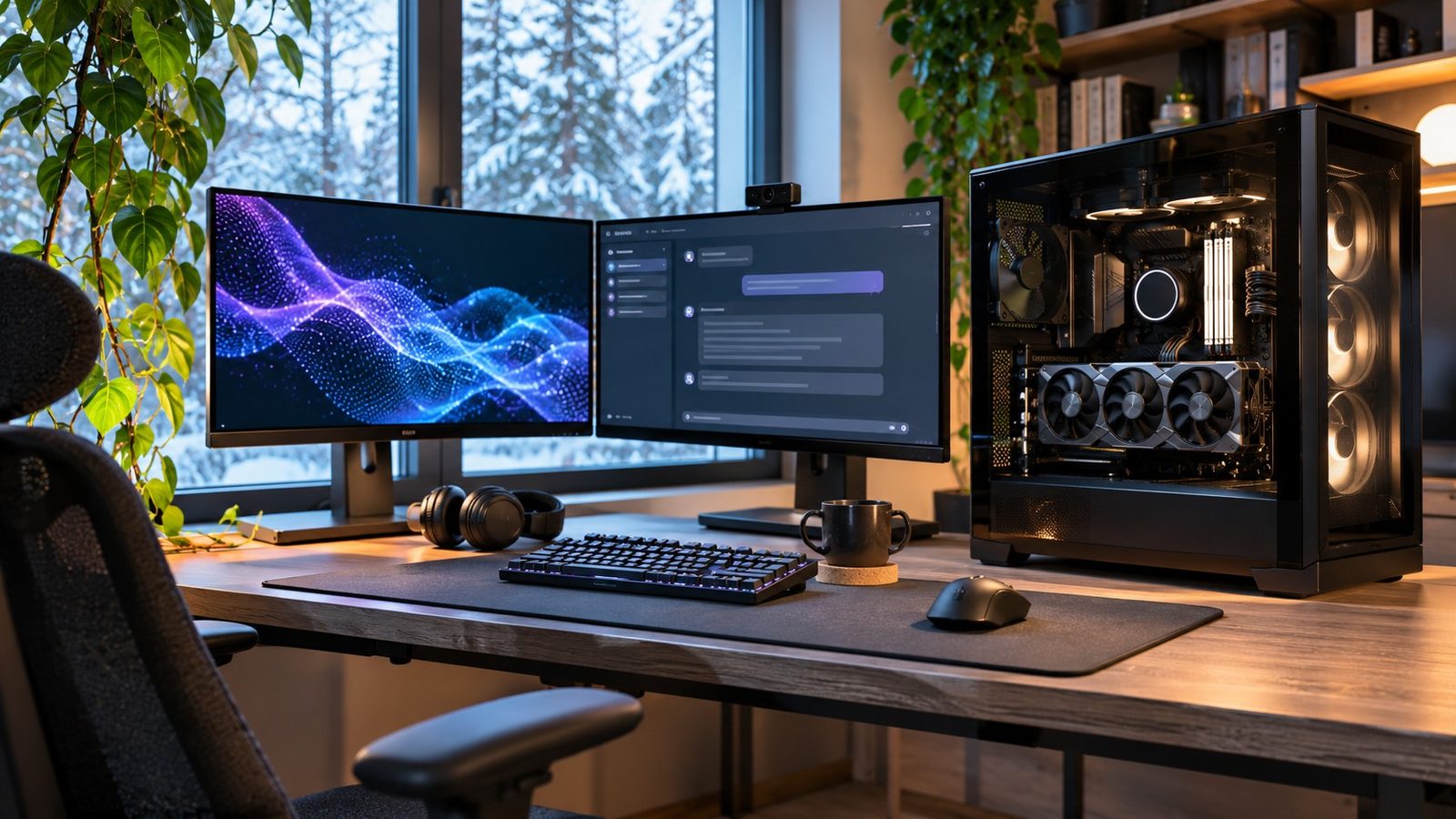
Example: an RTX 5060 Ti 16 GB, 32 GB of RAM, a modern Ryzen 5 or Core i5-class processor, a 1 TB NVMe SSD, a good power supply and an airy case. I specifically recommend the 16 GB version, not the 8 GB card of the same name. This is ample for small and mid-size text models and for many image experiments. I would not buy it as the main machine for serious video production.
Package 2: a versatile machine for creative work – about €2,000–3,400
Example: a 16 GB RTX 5070 Ti or, with care, a used 24 GB RTX 3090, 64 GB of RAM, a 2 TB SSD, strong cooling and a suitable power supply. The 5070 Ti is newer and fast, but 16 GB of memory limits model size. A used 3090 offers 24 GB of memory, but buying one involves risks of wear, warranty, power use and cooling. For video work and larger language models, 24 GB can be more valuable than the raw speed of a newer card.
Package 3: a powerful AI workstation – about €5,500–9,000+
Example: an RTX 5090 32 GB, 64–128 GB of RAM, a 2–4 TB SSD, a suitably strong power supply and carefully planned thermal load. The card’s price in Finland has risen exceptionally high; a complete machine in this class is not a normal consumer purchase. Such a package is usually worth it only if the machine will see daily production or development use, and tests with the model you have chosen show a real benefit.
A Mac mini or Mac Studio as an alternative
An Apple Silicon machine is an interesting, quiet desk for text AI. On a Mac mini it is better to choose 24–32 GB or more of unified memory than the most basic configuration; for heavy use, the Mac Studio offers larger memory options. Apple’s line-up and prices change quickly: at the time of writing, the starting price in Apple’s Finnish store is €1,099 for the Mac mini and €3,099 for the Mac Studio, but the memory configurations recommended for AI cost more than that. For CUDA workflows, an NVIDIA-based PC is usually the more reliable choice.
5. Example prices and where to buy
In Finland it is worth starting the check at Jimm’s, Verkkokauppa.com, Proshop and the manufacturers’ official shops. Graphics cards should not be ordered from unknown sellers merely because the price looks exceptionally low. The market spread for the 16 GB RTX 5060 Ti has been wide, and list prices for the RTX 5070 Ti have risen to about €1,300–1,600 in many Finnish stores. Offers for the RTX 5090 in Finland have already been seen in the region of €4,800–6,300 in September 2026.
The budget for a build is a planning example, not a shopping basket. The price of memory, the SSD, the case, the motherboard, the operating system and the power supply, and the retailers’ stock, will change. Also check the case dimensions, the GPU power connectors and the cooling before you place an order.
6. Is your own machine actually cheaper?
Assume a €2,500 AI workstation, a three-year life and an average draw of 400 W during actual AI work. With two hours of use a day and electricity at €0.20/kWh, the power costs about €58 a year (0.4 kW × 2 h × 365 × €0.20). The direct three-year cost is then about €2,675, before servicing, extras, resale value, the value of your time and idle power. On that basis the cost is about €1.22 per active hour over 2,190 hours. If you use the machine for only 100 hours a year, the purchase price alone already means about €8.33 an hour before electricity.
The cloud is a different product: a €20–30 monthly subscription often gives you a very good ready-made text model, but not necessarily unlimited API or video use. GPU rental is typically charged for time, storage and transfers. If you need a strong GPU for only 10 hours a month, a hypothetical €2/hour cloud machine would cost €240 a year – far less than buying a new workstation. If you use similar power every weekday, your own machine may make more sense. The comparison should use the real speeds of your own work, not just nominal GPU hours.
How to work out the hourly cost of your own machine
Cost per hour of your own machine = (purchase price − resale value + servicing + electricity + other costs) / active hours of use. In the cloud, likewise count instance hours, persistent storage, downloads, failed runs and the price list of the service you use. Time spent configuring your own machine can also be fun for a hobbyist, but for a business it is a real cost.
7. When would I not buy a powerful AI computer?
- If you mainly use the browser versions of services such as ChatGPT, Claude or Gemini a few times a week.
- If your goal is a few high-quality AI videos a month and a cloud service already produces them for you.
- If you do not want to deal with drivers, model licences, software updates or troubleshooting.
- If you absolutely need the best possible multimodal model: a local open model will not necessarily match the cloud’s top model.
- If your main task uses a model that, for licence or technical reasons, you cannot run locally.
8. How to get started without a large investment
- Pick one clear task: summarizing your own texts, coding help, or an image model.
- Check the RAM you have, the GPU’s actual VRAM, and the free SSD space.
- Try LM Studio or Ollama with a small 3–8B model.
- Measure response speed, the model’s memory use, quality, and your real weekly use.
- If the hardware runs out, first consider a 16–24 GB VRAM card or a cloud trial.
- Buy only when you know exactly which model and workflow you intend to run.
Hilavitkutin’s Finnish reality check
Is a machine of your own for AI worthwhile? Yes, especially if privacy, offline use, the ability to customize and continuous experimentation matter to you. Should every Finn buy a graphics card that costs as much as an electric sauna stove? No. If the machine produces one poem a week and raises the temperature of the study by two degrees, the most efficient AI function may be the extra heating. AI is not the same thing as a sauna stove, though: it should not be installed under the benches.
In summary: what do we recommend?
For most people, the machine they already have, or a reasonably priced desktop with 16 GB of video memory, is enough to start with. An image and coding hobbyist will benefit from 16–24 GB of VRAM. Professional video production, research on large models or a service for several users may need 32 GB or a much larger GPU memory – and the purchase should not be justified only by the idea that “AI is the future”. Invest in the workflow you actually intend to use, not in the flashiest product brochure.
Read also
Sources
- LM Studio – system requirements
- Ollama – model library
- NVIDIA RTX 5090 – specifications
- Apple – Mac prices in Finland
- Jimm’s RTX 5060 Ti range
- Jimm’s RTX 5070 Ti range
- NVIDIA RTX 5090 price level / Muropaketti, 3 September 2026
- Wan 2.2 ComfyUI memory needs / compilation with sources
- Ollama memory requirements – measurements
- OpenAI GPT-OSS models and memory needs