
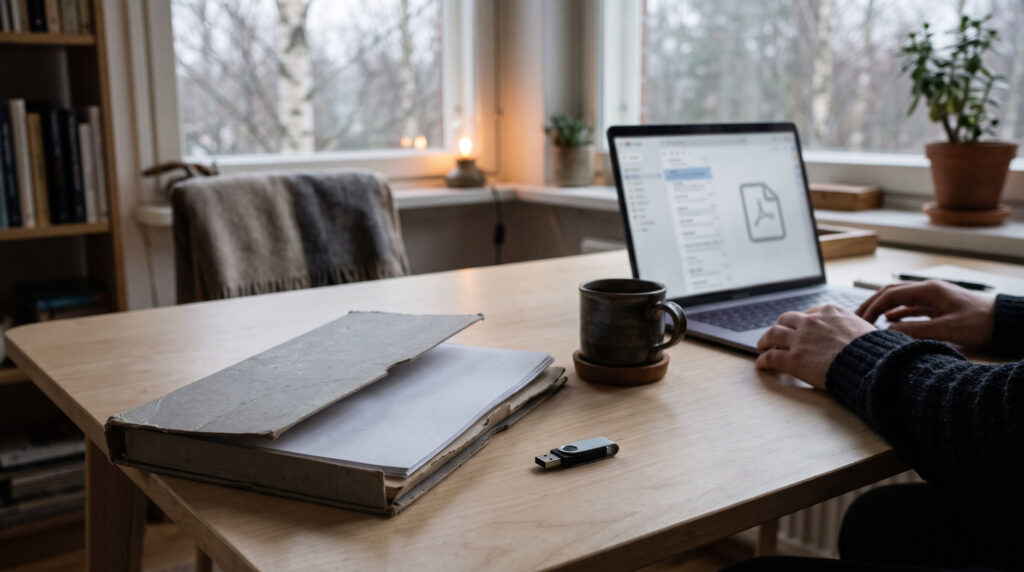
Suomi.fi Messages will be deleted after five years – how to build your own digital archive

Guide
A paper letter can sit in a home folder for decades, but Finland’s digital mailbox for official post now has an expiry date. Deletion of Suomi.fi Messages begins in January 2027: messages are kept for five years from arrival and then removed automatically, says the Digital and Population Data Services Agency DVV (Suomi.fi, Iltalehti). If you want to keep old decisions, you need your own digital archive.
Key facts
- The retention period is five years from arrival. Messages older than five years start disappearing from January 2027 (Suomi.fi).
- In December 2026, messages due for deletion will get a label so you can find them in your inbox.
- You can save a message as a PDF, or with its attachments as a ZIP file – but only one message at a time (Suomi.fi for developers).
- If you don’t want to keep old messages, you don’t need to do anything.
Who is affected?
The first to go are messages that arrived more than five years ago, in practice those from 2021 and earlier. They can include decisions, bills or appointment letters. According to DVV, more than 2.6 million people already used Suomi.fi Messages when a law change in April 2026 brought the service to almost 1.8 million new users (DVV). Yle put the same group at roughly two million. Messages of people who started this year won’t be deleted before 2031, so it is mainly long-time users who need to act.
How to save a Suomi.fi message
- Open the message and choose the three-dot Actions menu at the top.
- Save text saves the message as a PDF without attachments.
- Save text and attachments creates a ZIP file with the attachments in their original format. This option only appears if the message has attachments.
- The file usually goes to your Downloads folder. Unzip it before opening the attachments.
The steps are in the Suomi.fi saving guide (in Finnish). Saving works in the web service now; according to DVV it is coming to the mobile app “soon” (Suomi.fi for developers). So use a computer for now.
Hilavitkutin’s digital archive in three steps
- Pick first. As you can only save one message at a time, don’t copy everything. Choose the decisions and documents you might need years from now.
- Name files consistently. For example 2021-03-15_Tax-Administration_tax-decision.pdf sorts by date and is easy to search.
- Keep two copies. One on your own computer or a USB stick and another in personal cloud storage. Never save messages on a library computer or any other shared device.
If you later need a decision that has already been deleted, ask the authority that sent it. Documents with a retention period longer than five years are kept in the sender’s own systems (Suomi.fi for developers, Ilta-Sanomat).
Sources
- Suomi.fi (in Finnish): Messages will be kept for five years (accessed 18 Nov 2026)
- Suomi.fi (in Finnish): Saving messages – instructions (accessed 18 Nov 2026)
- Suomi.fi for developers (in Finnish): Messages and attachments can now be saved to your own device (23 Oct 2026) (accessed 18 Nov 2026)
- Suomi.fi for developers (in Finnish): Five-year retention period coming to Suomi.fi Messages (12 Nov 2026) (accessed 18 Nov 2026)
- Digital and Population Data Services Agency (in Finnish): Official mail becomes mainly digital (accessed 18 Nov 2026)
- Yle (in Finnish): Official mail goes primarily to Suomi.fi in April (accessed 18 Nov 2026)
- Iltalehti (in Finnish): Deletion of Suomi.fi messages begins (accessed 18 Nov 2026)
- Ilta-Sanomat (in Finnish): Change to Suomi.fi Messages (accessed 18 Nov 2026)