Home laser cutter – which machine really cuts plywood?

Buyer’s guide
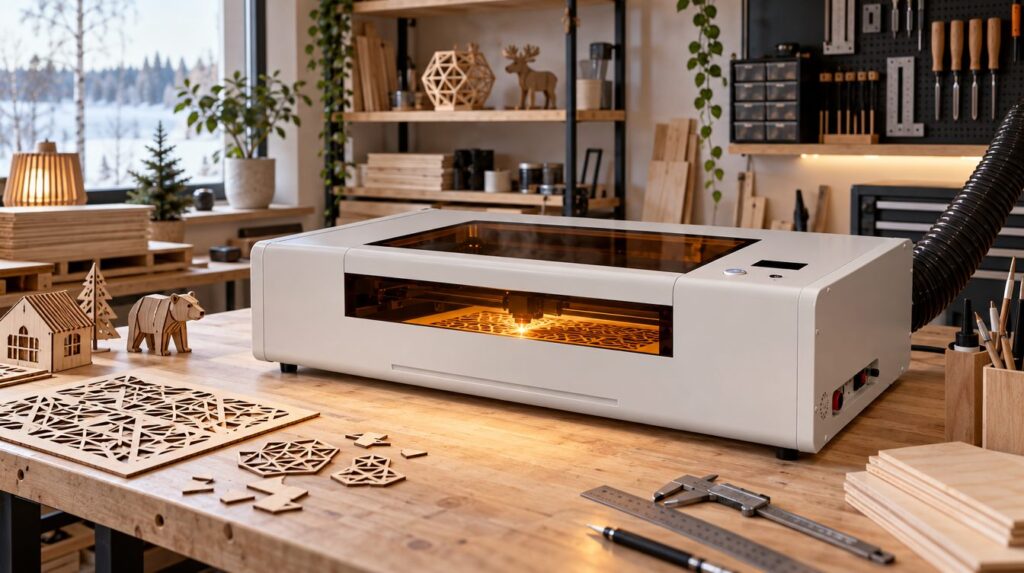
A laser cutter can turn a home workshop into a small production line. Wooden signs, scale models, ornaments and precisely fitting boxes appear without a saw. But what kind of machine should you buy if you actually want to cut plywood, not just burn pretty patterns into it?
Buying a laser cutter sounds simple at first. Check the power rating, pick as many watts as possible and start making plywood Christmas ornaments. Reality is a little more complicated. A manufacturer may claim its machine cuts up to 20 millimetres of wood in a single pass. In a home workshop, ordinary 6 mm birch plywood can still leave some of its glue lines uncut.
That is not necessarily the machine’s fault. For a laser, plywood is a much trickier material than ordinary solid wood.
In this guide we compare four laser cutters for home use, from about €500 to over €2,000. We look at which plywood each one is worth cutting, when a more powerful machine makes sense and what you need to budget for on top of the purchase price.
Editor’s note
This comparison is based on the manufacturers’ specifications and the EU retail prices available at the time of writing. We have not test-run the machines ourselves, and they have not been through a common comparison test. Prices are indicative and were checked in the manufacturers’ EU online stores on 3 November 2026.
Four interesting options
| Model | Price from | Laser | Recommended plywood |
|---|---|---|---|
| Creality Falcon A1 | €459 | 10 W diode | 3 mm |
| Creality Falcon2 Pro | €849 | 22 W diode | 3–6 mm |
| Creality Falcon2 Pro | €1,249 | 40 W diode | 3–9 mm |
| OMTech Polar Lite | approx. €2,300 | 55 W CO₂ | 3–9 mm, possibly thicker |
The thickness recommendations are practical planning estimates for laser-grade plywood, not manufacturer guarantees. The result depends on, among other things, the wood species, the glue, how consistent the sheets are, cutting speed, optics and the edge finish you want.
1. Creality Falcon A1 10W – an affordable starter machine
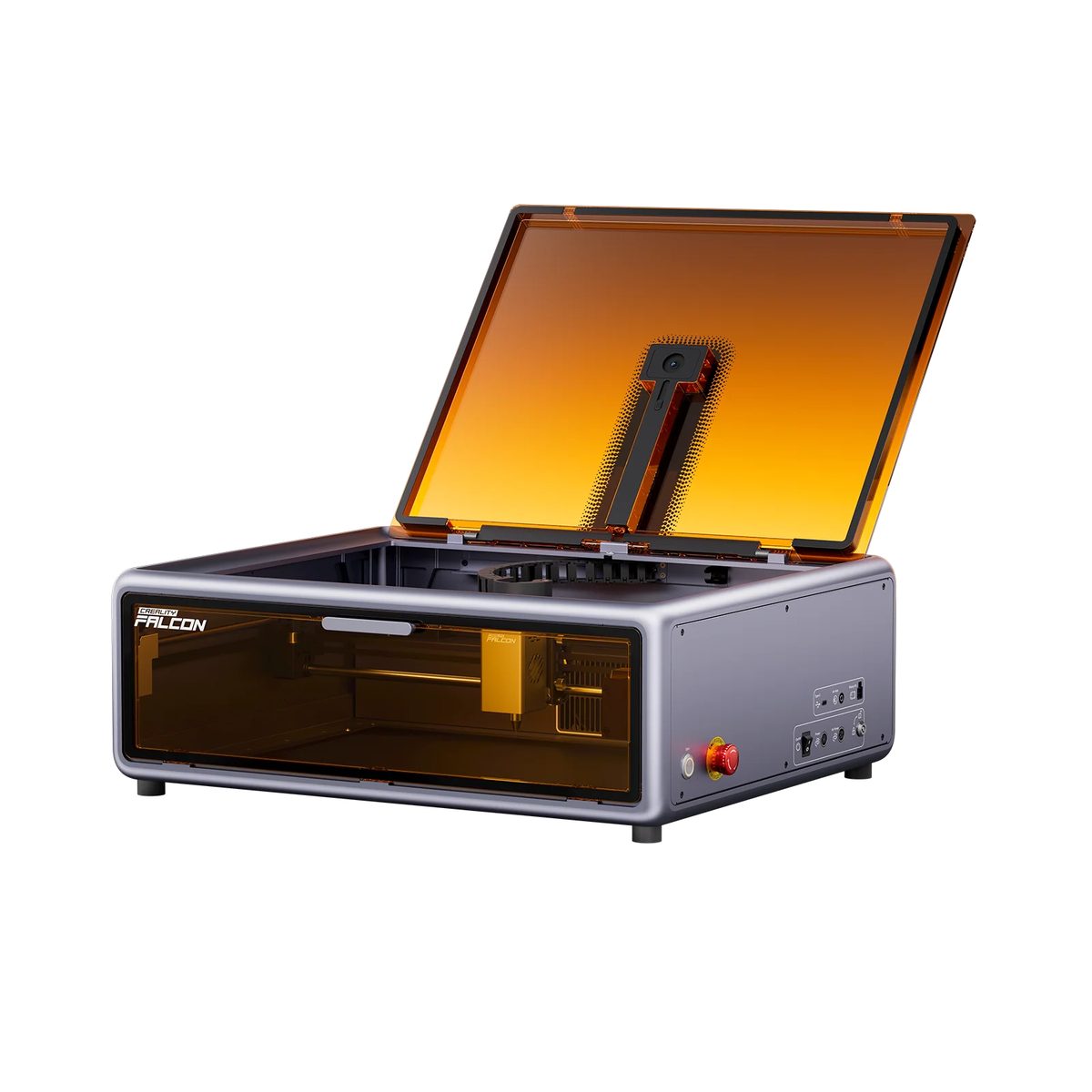
Price when checked: approx. €459 · Optical laser power: 10 W · Working area: approx. 305 × 381 mm
The Falcon A1’s strength is how easy it is to get started. It ships pre-assembled, with a closed protective enclosure and a camera for positioning the job. The manufacturer markets the enclosed design as Laser Class 1 in normal use. Buyers should still check the documentation and terms of use for the exact version they receive.
The working area fits several parts of a scale building or, say, a small batch of ornaments. I would choose this machine when the budget is tight and almost all the work is in thin plywood.
What plywood can it cut?
- 3 mm: the main working thickness, especially laser-grade lime (basswood) or birch plywood.
- 4 mm: possible with careful test cuts.
- 6 mm: not a sensible starting assumption for regular plywood production.
If 6 mm plywood is your main material, I would go straight for a more powerful model.
2. Creality Falcon2 Pro 22W – a balanced choice for the home workshop
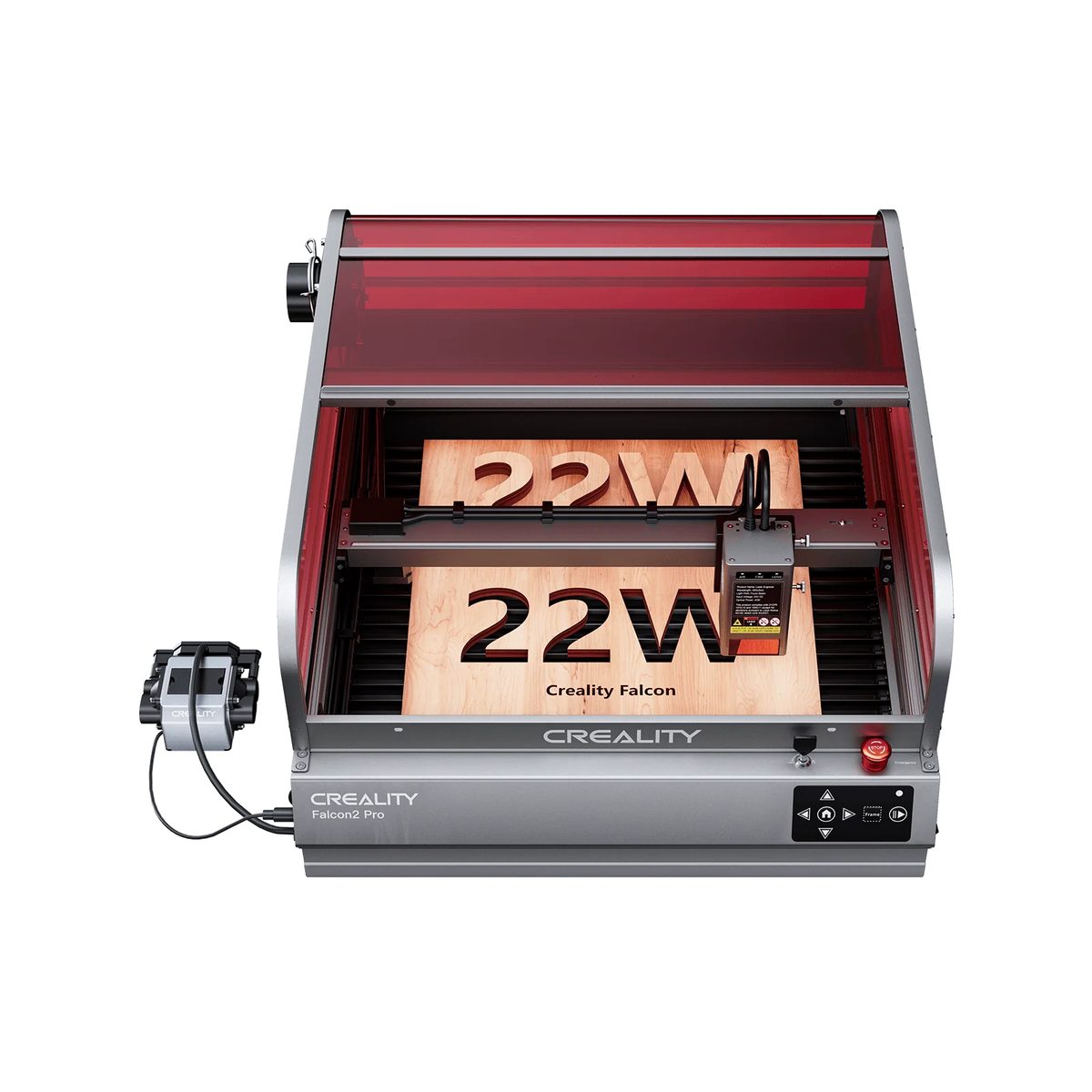
Price when checked: approx. €849 · Optical laser power: 22 W · Working area: approx. 400 × 415 mm
This is the most interesting option in the comparison for a home user who genuinely wants to cut plywood. The optical laser power is clearly higher than the 10-watt entry machine, and the working area gives extra room for wooden boxes, signs and kits.
The machine has a closed enclosure, a camera and air assist. You should still check the monitoring and safety features the manufacturer lists for your specific version: no sensor replaces supervising the cut.
What plywood can it cut?
- 3 mm: a very good main material.
- 4–6 mm: a realistic use with good-quality laser plywood.
- 8–10 mm: possible with selected wood species, but not reliable performance with ordinary birch plywood.
Maximum thicknesses quoted by manufacturers often refer to soft solid wood, not plywood. Do not read a promise of cutting 15 mm basswood as the same thing as cutting 15 mm birch plywood.
Hilavitkutin’s take
If you are planning plywood boxes, gifts, scale models or kits, this is the power class I would start comparing from.
3. Creality Falcon2 Pro 40W – more power and speed
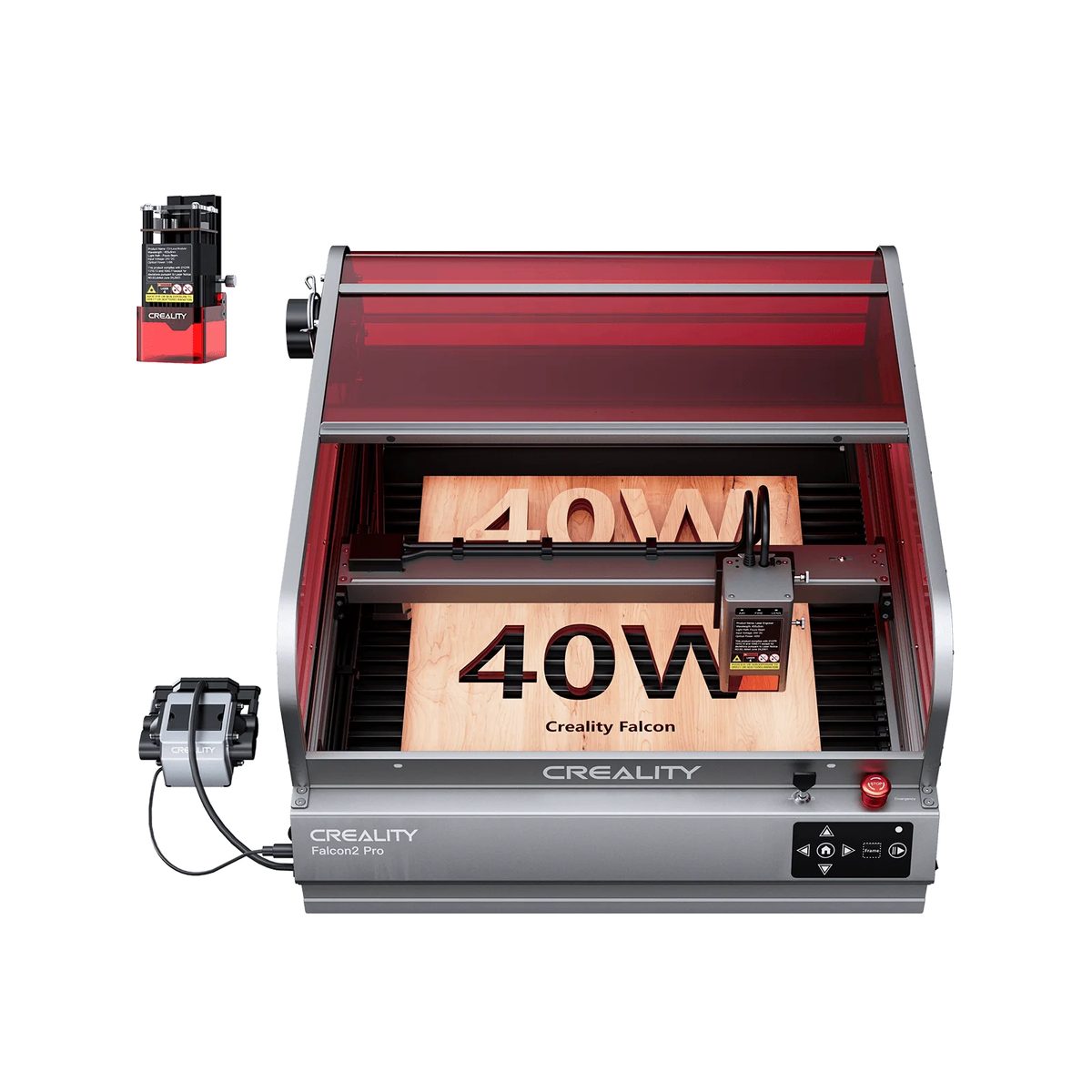
Price when checked: approx. €1,249 · Optical laser power: 40 W
The 40-watt model is not only about cutting thicker material. The extra power can make ordinary 3 mm plywood much faster to process, which makes producing dozens of pieces more practical.
The manufacturer may quote impressive maximum thicknesses for soft wood. Do not treat them as a guarantee of a clean cut through thick birch plywood.
What plywood can it cut?
- 3–6 mm: a very natural fit with good-quality material.
- 8–9 mm: a realistic target with suitable plywood, tooling and settings.
- 10–12 mm: possible case by case, but a real material test is needed before you buy.
If you make dozens of plywood products a week or regularly need material thicker than 6 mm, the extra cost may be justified. For someone who makes the odd batch of Christmas ornaments, 40 W may be more than they need.
4. OMTech Polar Lite 55W – a step towards a small workshop
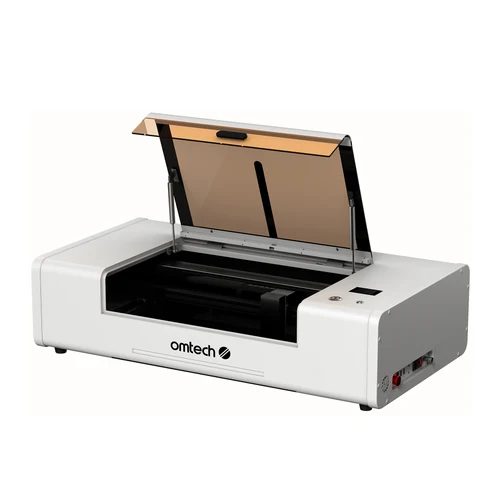
Price when checked: approx. €2,300 · Laser power: 55 W CO₂ · Working area: approx. 500 × 300 mm
A CO₂ laser differs from a diode laser not only in how it is built but also in how it handles materials. It is suited to cutting many wood materials and, for example, clear acrylic. The Polar Lite is aimed at hobbyists or small makers who want more production-like performance.
What plywood can it cut?
- 3–6 mm: a sensible core material.
- 8–9 mm: often possible with good plywood and the right settings.
- Thicker plywood: to be judged case by case with a material test by the seller.
The running costs of a CO₂ machine also include maintenance, cleaning the optics, the lifespan of the laser source and the cooling requirements of the model. You also need to plan for fume extraction and the machine’s physical size.
It would not be my first choice for a few plywood sauna gnomes. For an active maker, though, it can be a sensible next step.
5. Plywood quality matters more than many people realise
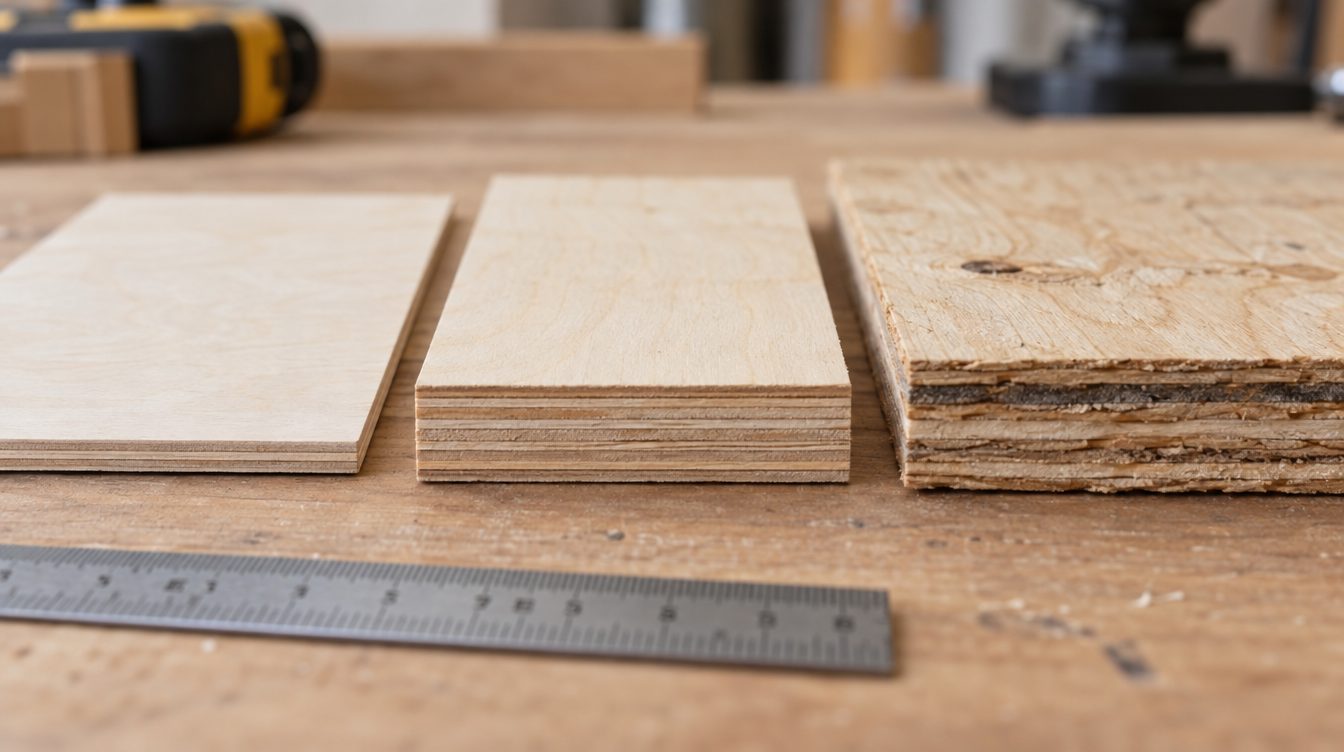
Plywood is made of thin wood veneers whose grain direction alternates from layer to layer. The veneers are bonded with glue. That structure makes plywood strong but unpredictable for laser cutting.
One glue line may cut easily, another much less so. The sheet can also contain knots, voids or denser areas inside. Two sheets that look identical on the outside can therefore behave quite differently.
| Plywood type | Suitability |
|---|---|
| 3 mm birch plywood made for laser cutting | Excellent starting point |
| Lime (basswood) plywood made for laser cutting | Easy to cut |
| Ordinary interior birch plywood | Variable |
| Exterior-glued construction plywood | Often difficult |
| Film-faced plywood | Not without the manufacturer’s material approval |
| Plywood with an unknown coating | Do not cut |
Start by buying a small batch of 3 mm laser plywood from a well-known supplier. It is ideal for learning the settings and benchmarking your own machine. Even so, a laser-friendly glue does not mean the material is smoke-free or harmless.
6. 10, 20 or 40 watts – how to choose?
Always compare optical laser power, not the machine’s electrical consumption. The 120 or 240 watts in an advert may refer to the power input of the whole device.
| Typical use | Suitable starting level |
|---|---|
| 3 mm plywood, occasionally | 10 W may be enough; 20–22 W gives speed headroom |
| 3–6 mm, regularly | 20–22 W or 40 W depending on volume |
| 6–9 mm and production batches | 40 W diode or a suitable CO₂ laser |
| 9–12 mm plywood | Choose only on the basis of the seller’s material tests |
More power does not always mean finer engraving. The beam’s spot size, the optics and the material all affect the result.
7. Air assist, fume extraction and fire safety
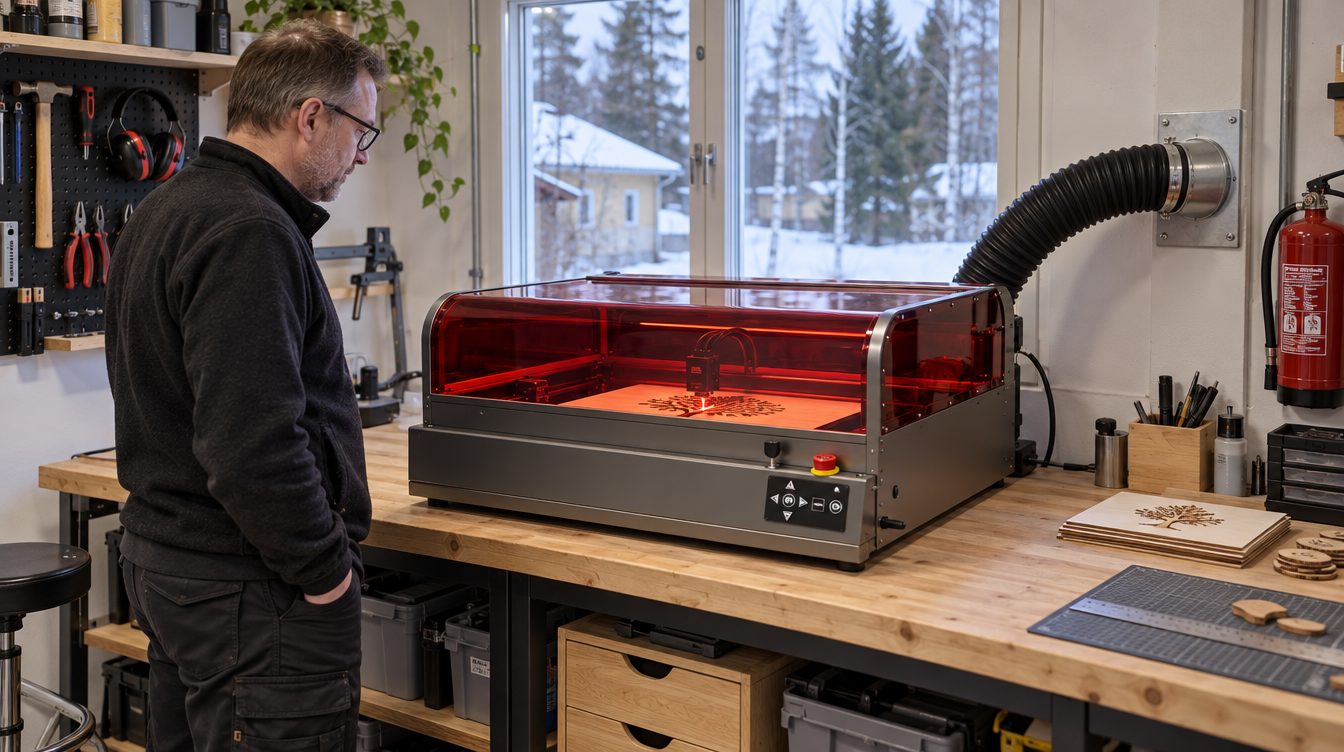
This is the most important part of the whole guide. A laser cutter is not an ordinary office printer: it heats the material so intensely that wood vaporises, chars and can catch fire.
Air assist
Air assist directs air at the cutting point, clears smoke out of the beam’s path and can reduce charring on the edges. When cutting plywood, it is in practice a very important feature.
Fume extraction
Laser-cutting plywood produces fine particles and harmful gases. Use the machine in a separate workspace with local exhaust ventilation to the outside that meets the manufacturer’s requirements. A standalone filter must be suitable for the material and workload, correctly sized and maintained. An ordinary room air purifier is no substitute.
Fire safety
- Never leave a cut unattended.
- Switch on and check the fume extraction before starting a job.
- Cut only known materials approved by the manufacturer.
- Keep a suitable fire extinguisher or fire blanket within reach.
- Clean the machine’s base, optics and filters as instructed.
- Never bypass safety interlocks or run the machine with its guards removed.
A closed machine and a flame sensor do not remove the risk of fire. The laser class safety rating also applies only to the operating conditions defined by the manufacturer.
8. What does a laser cutter cost in total?
| Cost item | What to consider |
|---|---|
| Laser cutter | The machine, shipping and any taxes |
| Fume extraction | Hoses, a wall or window duct, a fan or an approved filter |
| Cutting bed | Honeycomb panel or another suitable bed |
| Air assist | Is it included in the package? |
| Software | The manufacturer’s app or a separate licence |
| Materials | Laser plywood, test waste and consumption |
| Maintenance | Lenses, filters, cleaning, CO₂ source lifespan |
For example, the total cost of a machine of around €850 can be much higher if your workspace does not already have proper fume extraction. Also budget for shipping on the materials you use.
9. Your first test cut – start small
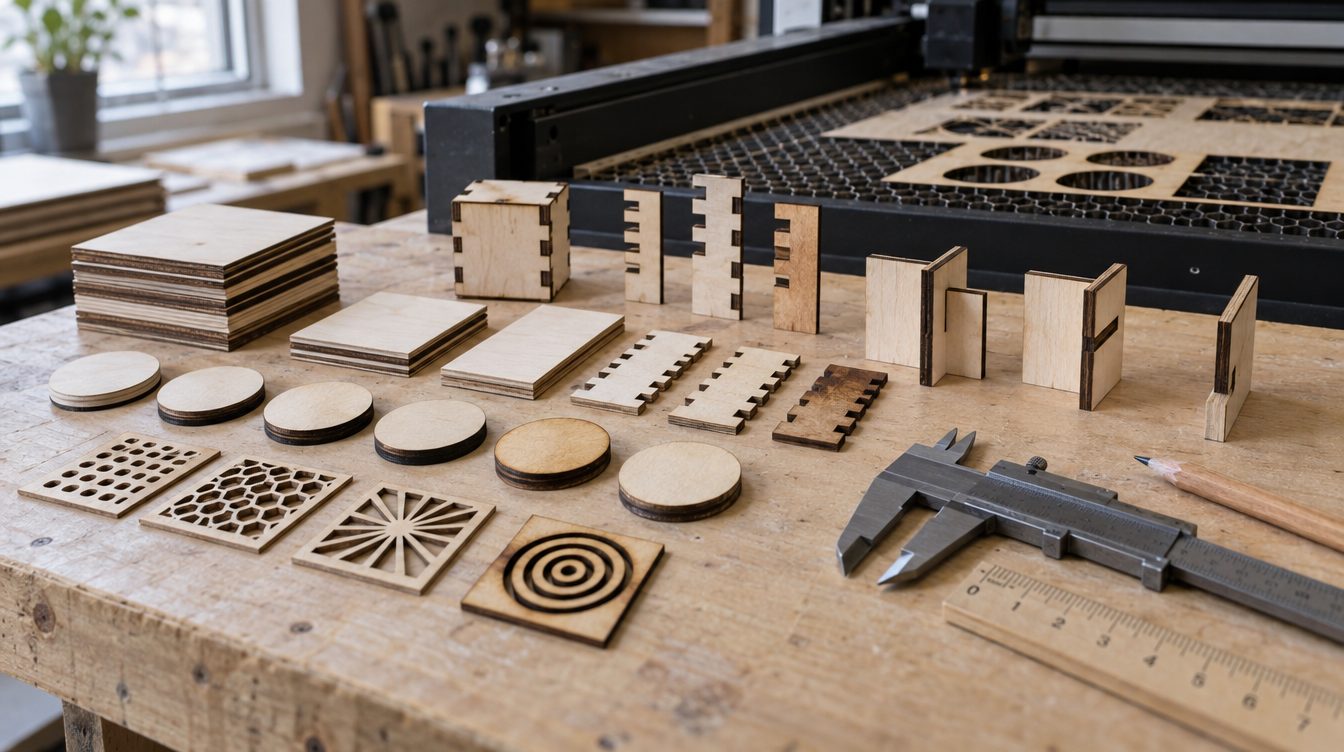
Do not start with a pattern the size of a whole plywood sheet. First run a material test within the manufacturer’s recommended values: for example a 20 × 20 mm square, a 20 mm diameter circle and a small slot joint.
Check whether the sheet cuts all the way through, how much the edge chars and how accurately the parts fit together. Try the manufacturer’s approved speed and power settings safely. Keep a record of the plywood manufacturer, wood species, thickness, machine and settings.
When you change plywood batch or supplier, test the settings again. The sheet’s moisture content and the structure of the glue lines can also change the result.
10. Where should you buy a laser cutter?
Start with the manufacturer’s official EU store or a well-known retailer. Before paying, check delivery to your country, VAT, shipping costs, warranty service, return costs and spare-part availability.
If you want to cut birch plywood of a specific thickness, ask the seller for a test cut in exactly that material. It is more valuable information than the impressive maximum in a promotional video.
11. Buyer’s checklist
Before you buy
- ☐ I know whether I will mostly use 3 mm, 6 mm or thicker than 6 mm plywood.
- ☐ I have checked the optical laser power.
- ☐ The working area suits my products.
- ☐ The machine has an appropriate enclosure and safety interlocks.
- ☐ There is a workable solution for fume extraction.
- ☐ Air assist and the cutting bed are accounted for.
- ☐ I have found a reliable supplier of laser plywood.
- ☐ Shipping, warranty and spare parts have been checked.
- ☐ Software and maintenance costs have been calculated.
- ☐ Every cutting job can be supervised.
Hilavitkutin’s verdict

If you only want to cut 3 mm plywood a few times a month, the Creality Falcon A1 10W is an interesting low-cost starter option. If the laser cutter is going to be a real tool and you often work with 3–6 mm plywood, I would start comparing from the Falcon2 Pro 22W.
For thicker plywood and regular use, the 40-watt Falcon2 Pro may be the better-justified choice. An active small business can benefit from a CO₂ laser, provided the workspace and maintenance are in order.
One thing unites them all: a machine’s real-world usefulness only shows with real material. If the manufacturer promises to cut twenty millimetres of wood but your own six-millimetre plywood refuses to drop out of the sheet, the laser is not necessarily faulty. The plywood may just be Finnish birch. It does not give in on the first try.
Sources and further reading
- Creality Falcon – EU range of laser cutters (accessed 3 Nov 2026)
- Creality Falcon A1 10W (accessed 3 Nov 2026)
- Creality Falcon2 Pro 22W (accessed 3 Nov 2026)
- Creality Falcon2 Pro 40W (accessed 3 Nov 2026)
- OMTech Polar Lite 55W (accessed 3 Nov 2026)
- OMTech – machine range
- MIT – Laser Cutter Safety
- Carnegie Mellon – Laser Cutter Safety (PDF)
- BRM Lasers – laser cutting wood and MDF
Prices and availability checked on 3 November 2026. Prices change often, so check the current price with the seller before you buy.